How to make a group video, step by step
Eight steps from the first message to the moment it plays, with an invite you can copy, recording tips and a two-week birthday plan.
By the Warmcut team · · 8 min read
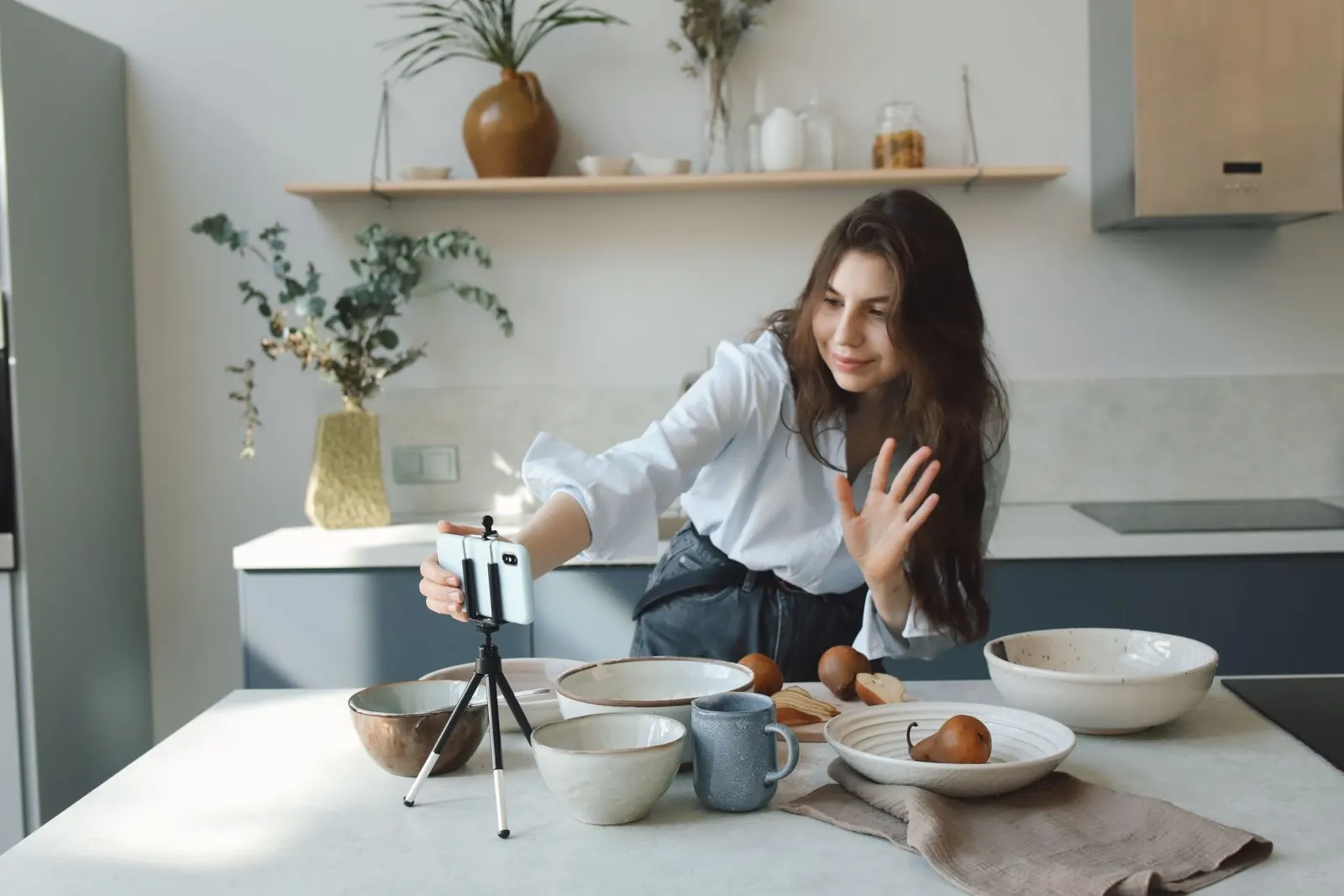
It usually starts in the family group chat. Someone mentions that Mum turns seventy next month, and wouldn't a video from everyone be lovely, and four people reply with a heart. A week later, you are the one holding nineteen clips in three different apps, two of them sideways and one of them seven minutes long.
A film from everyone is worth making. And most of what makes one good happens before anyone opens an editing app.
Here is how to make a group video, in short: choose one question and a deadline, send everyone the same link, ask for about a minute each, remind people once, then put the clips in order with music and captions. You can do that last part yourself, or use a service that turns the clips into a finished film so nobody edits at all. The steps below work either way.
How to make a group video in eight steps
- Picture the day and the screen. When will it be watched, and on what?
- List everyone, from every part of the person's life.
- Ask the closest people first, and personally.
- Send one invite with one question, a time limit and a deadline.
- Help people record with a few plain tips.
- Collect everything in one place, and remind once or twice.
- Put it together: order, sound, captions, music.
- Show it, then let them keep it.
Start with the day and the screen
Before you message anyone, picture the moment the video plays. A seventieth on the big TV after lunch is different from a farewell on a laptop in the office kitchen, or a link sent at 7 am to someone in another time zone.
That moment decides three things:
- The deadline. Close the clips two or three days before the day, so there is time to put it together and test it.
- The length. A film played to a room should be short enough to watch standing up. One they watch alone can run longer.
- The secret. If it is a surprise, keep the link out of any chat they are in, and say so in the invite.
Who to ask, and how many
Think in chapters. Most people have family, school friends, the share house or uni years, the work people, a sport or a choir, and the neighbours. The best group videos have someone from each chapter, including a few people the guest of honour would not expect.
There is no right number. Eight to ten people who know them well make a warm, short film. Twenty or thirty make a big one. Invite a few more than you need: not everyone records, and that is normal.
Ask the closest people first. The sister, the oldest friend, the partner. Message them a few days before everyone else. They feel the most pressure to get it right, so they need the most time. If an older relative is unsure about the technology, call them, ask the question and record their answer on your own phone. It takes five minutes.

What to send people: an invite you can copy
A clip is only as good as the question that started it. "Say something nice" gets twenty versions of happy birthday. One clear question gets stories.
Put everything in one message: who it is for, the question, how long, where to record, and when by. If family live overseas, add the time zone.
We're making a surprise video for Mum's 70th. Could you record a short message answering this: what is one thing you want her to know? A minute is plenty, and retakes are fine. Here's the link: [link]. Please send it by Thursday at 8 pm, Sydney time. Only Mum and the family will see it, so please keep it off the family group chat.
Questions that work for almost any occasion:
- What is one thing you want them to know?
- What is a memory with them that still makes you laugh?
- What did they teach you, or help you through?
- What do you wish for them next?
How to help people record a good clip
People rarely need a better phone. They need a few plain tips, and permission to keep it short.
- Face a window. Light in front of you, not behind.
- Find a quiet room. Sound matters more than picture. Turn off the TV and the dishwasher.
- Hold the phone at eye level, or prop it on a pile of books.
- Wipe the lens on a soft cloth. A phone that lives in a pocket or a bag picks up smudges, and they make the whole clip look hazy.
- Say who you are first. "It's Priya, from choir." Not every old friend is recognised straight away.
- Keep it to about a minute, with a few dot points rather than a script.
- Retakes are fine. The first natural take is often the best one.
If you are editing it yourself, ask everyone to hold the phone sideways, so the clips match and fill a TV. If a service frames the clips for you, upright is fine.
How to collect the video messages without losing any
Pick one place for everything and name it in the invite. Clips scattered across texts, emails and the group chat are easy to lose and slow to gather.
- Not by email. As at October 2026, Gmail's attachment limit for personal accounts is 25 MB, and a minute of phone video is usually bigger. It arrives as a Google Drive link to chase, or not at all.
- Not the group chat, if you can help it. As at October 2026, WhatsApp sends videos in standard quality by default: the sender has to choose HD each time, or set it as the default in settings. And clips sink under everything else.
- One shared folder, or one recording link, keeps everything in one place.
Keep a tick list of names. Send one reminder about halfway, and a last call two or three days before the deadline. If people go quiet, why some people never send their video message covers the usual reasons and the reminders that work.
Should you edit it yourself or skip the editing?
This is the slow part, and the part you can hand over.
| Task | Doing it yourself | With Warmcut |
|---|---|---|
| Collecting | A shared folder, and chasing files | One link; people record on their phone |
| Trimming | Cut the start and end of every clip | Pauses and false starts trimmed |
| Order | You choose | Story order: opening, stories, wishes, finale |
| Sound | Even out each voice | Every voice levelled |
| Captions | Type or check each one | Added for you |
| Music | Find a track you are allowed to use | Music chosen and fitted to the film |
| Changes | Edit again and export again | After paying, plain requests: "shorter", "put Mum last" |
| Cost | Free, plus your time | Free to collect and watch; pay to share |
Warmcut needs no app or account from anyone, uses only what people recorded, and never writes or changes a word. Collecting messages and watching the finished film is free, with a small Warmcut watermark. Pay once, from US$19, to share and download it. Over 10 people? The free film uses the first 10 to record, and paying makes it with everyone. If you enjoy editing and want to choose every cut yourself, the do-it-yourself route will suit you better.
If you edit it yourself
- Watch everything once and note the strongest clips.
- Order it like a story. Open warm and light, mix funny and tender through the middle, and end with the people closest to them.
- Trim every clip's start and end: the reach for the button, the "is it going?".
- Even out the volume so nobody whispers and nobody shouts.
- Add captions, or at least names. Around 3.6 million Australians have some hearing loss, including about half of people aged 60 to 70, and party rooms are loud.
- Keep the music low under voices. If you will post the film on YouTube, a popular song can be flagged for copyright and blocked. YouTube's free Audio Library has tracks that are cleared for use.
- Export in 1080p and watch it all the way through on the screen you will use.
How to show the finished film
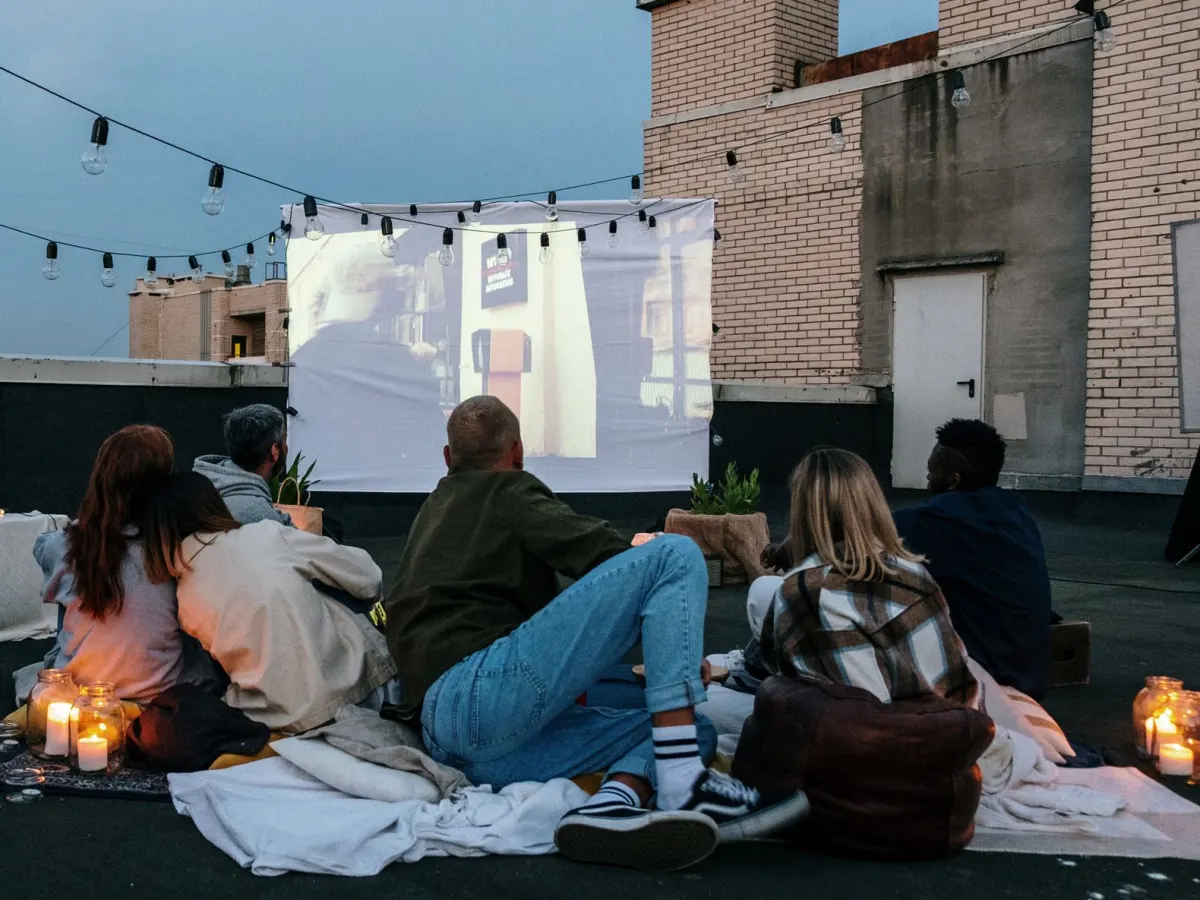
- Test it the day before, on the real screen and speakers. Plug the laptop in, find the sound setting, and keep a copy on your phone as a backup.
- Pick the moment. After the speeches and before the cake works well: everyone is gathered, and nobody is leaving yet.
- Do not ask them for a speech straight after. Let them watch, and let the room be quiet for a minute.
- If they are far away, send the link in the morning with a short note, so they can watch alone first.
- Share it with the people in it. Most people who recorded will want to see how it turned out.
- Ask before posting it publicly, especially if children are in it.
How to make a group birthday video in two weeks
For a birthday, the steps are the same, with a calendar. Here is a plan for a party on a Saturday.
| When | What to do |
|---|---|
| Two weeks before | Choose the question, list names, message the closest people |
| 12 days before | Send the invite to everyone |
| One week before | Send one reminder |
| 4 days before | Last call |
| 2 days before | Close the clips and put the film together |
| The day before | Test it on the screen you will use |
| The day | Play it, or send it in the morning |
Birthday questions that work: a memory that still makes you laugh, something people may not know about them, and a wish for the year ahead. For a milestone, ask someone from every decade of their life. The birthday video page has the full set of prompts and answers common questions, like whether family overseas can join.
The same steps work for a farewell at work, a thank-you from the class (teacher appreciation video ideas) and the end of a season (how to organise a coach gift from the team).
Questions
How long should each message in a group video be?
About a minute. Thirty seconds is fine. Short messages from many people play better than a few long ones, and they are easier to record. Say it in the invite, or people will assume they need a speech.
How many people should be in a group video?
There is no right number. Eight to ten people who know them well make a warm, short film. Twenty or thirty make a big one. Invite a few more than you need, because not everyone records.
Should people film portrait or landscape?
If you are editing it yourself, ask everyone to hold the phone sideways (landscape), so the clips match and fill a TV. If a service frames the clips for you, upright is fine. Either way, eye level and a window in front matter more.
Can you make a group video for free?
Yes. Collect the clips in one shared folder and put them together in a free editing app. It costs time rather than money. The editing steps above cover trimming, sound, captions and music you are allowed to use.
How far ahead should I start a group video?
Two weeks is comfortable: about ten days to collect, and a few days to put it together and test it. A week is the least, with a clear deadline and one reminder.
Sources
- Hearing Australia: around 3.6 million Australians have some hearing loss (free adult hearing checks page), checked October 2026
- Gmail Help: attachment size limit (25 MB for personal accounts), checked October 2026
- WhatsApp Help Center: About HD photos and videos (choosing HD, or setting it as the default), checked October 2026
- YouTube Help: Use music from the Audio Library, checked October 2026
Read next
Organising the gift
Why some people never send their video message
It is almost never about the person you are celebrating. It is the camera, the timing or the words. Here is what helps.
Work
What to say in a farewell message for a coworker
You do not need a speech. One thing they did, what it meant and a good wish is enough, in a card or on camera. Here is how to find yours.