What makes a group video awkward, and how to fix each part
Twenty kind messages can still add up to an awkward film. Six things cause most of it, and nearly all of them can be fixed before anyone presses play.
By the Warmcut team · · 8 min read

It is Sunday afternoon, six days before your brother-in-law's 40th, and you are watching the clips at the kitchen bench with headphones on. The first message wishes him a happy birthday and a great day. So do the second, the fourth and the ninth. Clip seven is mostly a leaf blower, and the uni friends have recorded something about "the Bali thing" that you do not understand and his mum will not enjoy.
Nobody did anything wrong. Every message is kind. Together, they make an awkward group video, and the good news is that you have found it now, at the bench, and not on the big screen next Saturday.
Most awkward group videos come down to six things: the same message over and over, clips nobody can hear, jokes only three people get, someone important missing, a big moment that falls flat, and a film played in the wrong room. Each one has a fix, and most of the fixes happen before anyone presses record.
What makes a group video feel awkward?
| What feels awkward | The fix |
|---|---|
| The same greeting twenty times | A different question for each circle |
| Voices you cannot hear | Closer to the phone, no music behind, voices levelled |
| Jokes half the room misses | Tell people who will be watching |
| Someone important missing | Check the list with their closest person |
| A reveal that falls flat | One person on the sound, everyone gathered first |
| The wrong room | Match the film to the room |
How do you stop twenty people saying the same thing?
People answer the question they are given. "Could you say something for Dan's birthday?" gets twenty birthday greetings, each one sincere and each one the same. A question that only one part of his life can answer gets stories instead.
Give each circle its own question:
- Family: What was he like at ten?
- School or uni friends: What is one story about him you still tell?
- Work: What does he do that nobody thanks him for?
- Neighbours, the club or the gym: What would this place be like without him?
- His partner and kids: What do you want him to know this year?
Put the question in the first line of each message, so nobody has to hunt for it:
Hi Priya, you're in the uni crew, so your question is: what is one story about Dan you still tell? About a minute is plenty. Here's the link: [link]
Order matters as much as the questions. Four greetings in a row is when a room starts to drift; the same four spread between stories barely register. Warmcut puts the clips in story order (an opening, the stories, what the person means to people, the wishes and a finale), so plain greetings never pile up five in a row. If you are editing it yourself, never put two plain greetings side by side.
What if some clips are hard to hear?
On a laptop with headphones, almost every clip sounds fine. On a TV across a room of thirty people talking, the quiet voices disappear and the loud ones boom. Most of the trouble starts when the clip is recorded, so one line in the invite saves a lot of it:
- No music behind you. The film will have its own music. A song playing in the background clashes with it and is hard to remove later.
- Out of the wind. A light breeze across the microphone can drown a voice. Record indoors, or somewhere sheltered.
- Not in a hard, empty room. Bathrooms, hallways and bare rooms echo. A room with a couch, curtains or a rug sounds warmer.
- Arm's length or closer. Propped on a shelf across the room, the voice gets small and the room gets big.
For the rest of the recording basics, see how to make a group video, step by step.
If a noisy clip has already arrived and the sender cannot redo it, newer phones can help. As at October 2026, on an iPhone 16 or later, a video recorded with Spatial Audio can be opened in Photos, then Edit, then Audio Mix, where the Studio option reduces background sound and echo. On a Pixel 8 or later, Google Photos has Audio Eraser under Edit. After that, even out the volume across every clip and add captions, so a quiet voice still lands in a loud room.
What about the jokes only three people get?
A group video is watched by everyone at once: his mum, his boss, the neighbours, his kids. A story that had the pub in stitches can land in silence in a lounge room with his grandmother in it, or need explaining, which is worse.
- Say who will be watching. One line in the invite does it: "This will play at lunch with his parents and the kids in the room."
- One in-joke per circle is plenty. When every clip is a reference, the film turns into a private party that the rest of the room watches through a window.
- Ask for a second take, kindly. If a clip would embarrass him, tell the sender before the day: "Could you do one his mum can watch?" It is a much easier conversation before the day than after it.
The line-by-line rule for keeping a message funny but kind is in what to say in a birthday message.
Who might feel left out?
Sometimes the most awkward moment is not in the film at all. It is the person who watches it and notices who is missing, or the guest who realises halfway through that they were never asked.
- Check the list with the person closest to them. Before you close it, ask their partner, sibling or best friend: "Who would he expect to see?" It takes two minutes and often turns up a name.
- For a class film, check the class list, not the chat. Families who are not in the parents' group chat never saw the link.
- Ask the newer people too. The colleague who started in March, the new partner, the neighbour who moved in last year. Being asked matters, even if they say very little.
- Ask a missing key person once more, privately. Why some people never send their video message covers the usual reasons and what helps.
- On the day, never name who did not record. The film is about the people in it.
How do you keep the big moment from falling flat?
The film starts and the sound comes out of the laptop, not the TV. Half the guests are still in the kitchen. The person is sitting with their back to the screen. The venue wifi stalls at the third message. Each of these takes a minute to prevent.
- Download it, do not stream it. Venue and office wifi can stall in the middle of a film. A file saved on the laptop plays straight through.
- Give one person the remote and the sound. Not you. You will want to watch their face.
- Gather the room first. "Could everyone come in for a few minutes?" saves the first three messages from being talked over.
- Seat the person facing the screen, where the room can see them too.
- If people are joining on a call, share the sound as well as the screen. In Microsoft Teams, turn on the Include sound switch when you share, or the people on the call watch in silence. Turn notifications off first, because everything your computer plays is shared.
- If it is a surprise, keeping it quiet until then is its own job: see how to collect video messages for a surprise.
Is this the right room for this film?
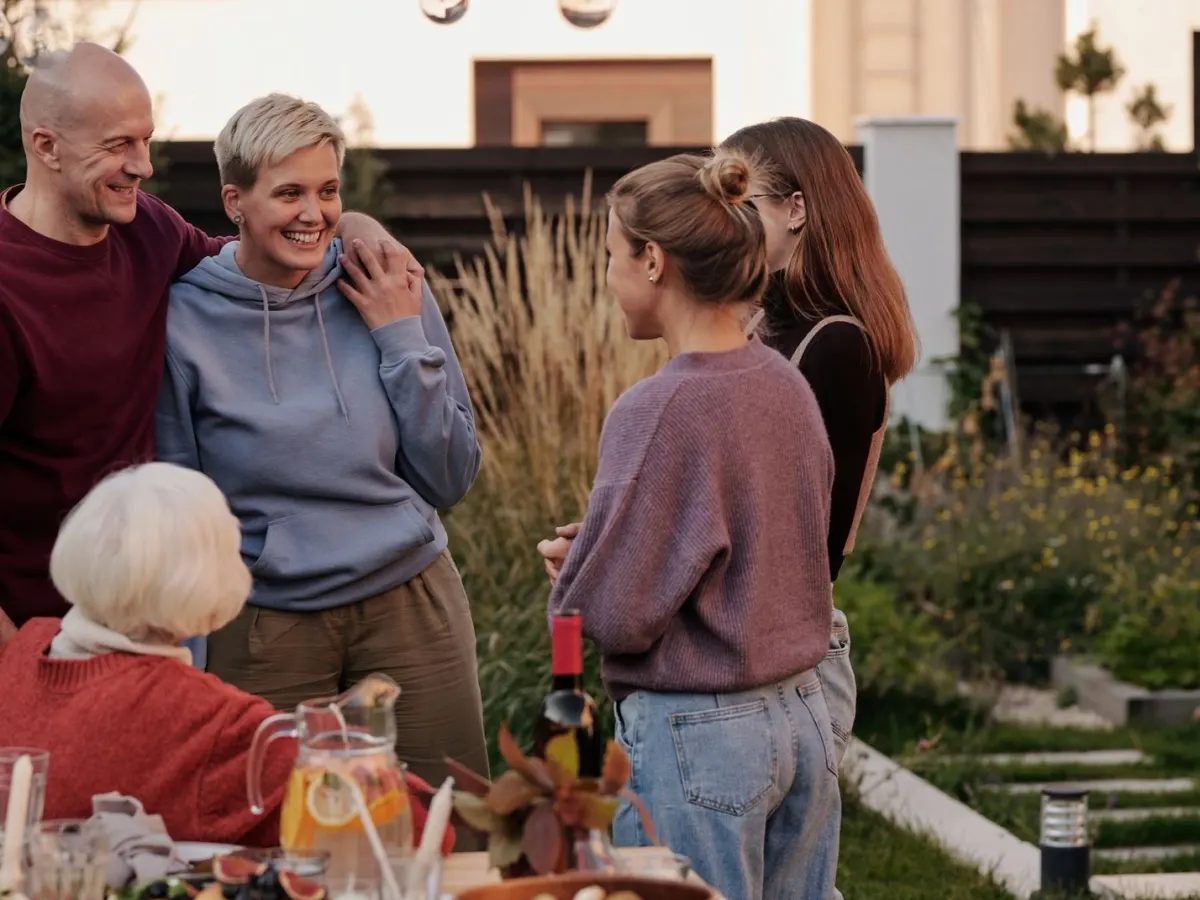
A film made of quiet, tender messages needs a room that can hear them. Some rooms cannot.
- A loud venue. A pub, a club, a restaurant with music on. Ask the staff to turn the music off while the film plays, show it early, before the room gets loud, and make sure it has captions.
- Mixed company. An all-staff meeting, or a party where half the guests barely know the person. Stories meant for close friends can feel exposed. Either tell contributors who will be there, or play it to the smaller group it was made for.
- A person who hates a fuss. Some people would much rather cry in private. A little thought about the room and the moment goes a long way.
What should you check before it plays?
Watch it once, all the way through, as their oldest relative would. Then tick these off:
- No two plain greetings side by side
- Someone from every part of their life
- Every voice clear from across the room, not just in headphones
- No joke you would wince at with their nan beside you
- Names spelt correctly in the captions and titles
- The film saved on the laptop, not streaming
If you would rather not do the ordering, levelling and captions yourself, Warmcut does them for you. You send one link, each person records about a minute on their phone, with no app and no account, and the clips come back as one film in story order, with music and captions, voices levelled and pauses trimmed. It never writes or changes a word, and after paying you can ask for changes in plain words, such as fixing a name. Collecting messages and watching the finished film is free, with a small Warmcut watermark. Pay once, from US$19, to share and download it. Over 10 people? The free film uses the first 10 to record, and paying makes it with everyone.
Questions
What makes a group video awkward?
Usually one of six things: the same greeting over and over, clips that are hard to hear, jokes only a few people understand, someone important missing, a reveal that stalls, or a film played in a room that does not suit it. Almost all of them can be fixed before the day.
How do you stop everyone saying the same thing in a group video?
Give each circle its own question, one only they can answer: "What was he like at ten?" for family, "What is one story you still tell?" for old friends. Then spread any plain greetings through the film instead of letting them pile up together.
What do you do with a clip that is hard to hear?
Ask for a second take, closer to the phone, indoors and with no music playing. If that is not possible, newer phones can reduce background noise after recording: Audio Mix on iPhone 16 or later, Audio Eraser on Pixel 8 or later (as at October 2026). Then level the volume and add captions.
What if someone is left out of a group video?
Before you close it, ask the person closest to them who they would expect to see. For a class film, check the class list, because families outside the group chat never saw the link. Ask any missing key person once more, privately, and never mention on the day who did not record.
Can you leave someone's clip out of a group video?
Yes, if it would embarrass or hurt the person it is for. Ask the sender kindly for a second take first, before the day. If they cannot, leave it out quietly and thank them for recording.
Sources
- Apple Support (Australia): Trim video length, adjust speed, and edit audio on iPhone. Audio Mix, including Studio, for videos recorded with Spatial Audio on iPhone 16 or later (checked 30 Oct 2026)
- Google Photos Help: Edit a photo or video on your Pixel phone. Audio Magic Eraser, Pixel 8 and later (checked 30 Oct 2026)
- Microsoft Support: Share sound from your computer in Microsoft Teams meetings or live events. The Include sound switch (checked 30 Oct 2026)
Read next
Organising the gift
How to make a group video, step by step
Eight steps from the first message to the moment it plays, with an invite you can copy, recording tips and a two-week birthday plan.
Organising the gift
Why some people never send their video message
It is almost never about the person you are celebrating. It is the camera, the timing or the words. Here is what helps.
Organising the gift
How to collect surprise video messages without them finding out
Most surprise videos are given away by a lock screen or a group chat, not by the person guessing. Here is how to close each gap.