How to include grandparents in a group video
The link is easy for most of the family and hard for some of the people who matter most. Ways to help older relatives take part, a text to send and a card to print.
By the Warmcut team · · 7 min read

On Thursday night the phone rings, and it is Pop. He and Nan are at the kitchen table with your text open, both in their reading glasses, and they would like to know which bit to press. Nan thinks it is the blue writing. Pop is not so sure.
Grandparents are often the voices a family film needs most, and the people a recording link suits least. The fix is rarely more technology. It is usually a person.
To include grandparents in a group video, pick the kind of help that suits them: record together at your next visit, stay on the phone while they do it, or ask someone at their end to sit with them. Send one short text with the link, one question and a date, and give them a printed card with the steps. Ask them first, give them longer than everyone else, and tell them a minute is plenty.
Which kind of help suits your grandparents?
Struggling with a link is common, and it has nothing to do with how much they care. The 2025 Australian Digital Inclusion Index found that 66.5% of Australians aged 75 and over are digitally excluded, compared with about one in five Australians overall. Plenty of grandparents video-call every week. Others use the phone for calls and nothing else. Match the help to the person.
| If they... | Try this |
|---|---|
| Use their phone every day | Text the link, then ring to check it worked |
| Use the phone for calls only | Record together at a visit |
| Live far away, on their own | Stay on the phone while they record |
| See family or a carer often | Ask that person to help |
| Live in aged care | Book a time with staff, or take it in yourself |
The usual reasons people never send their video message include the technology worry. This post is the longer answer to that one.
How do you record together at a visit?
This is the easiest way, and often the nicest. It takes about ten minutes.
- Ring ahead with the question. Tell them what the film is for and what you will ask, so they can think about it for a few days. Most people say more when they have had time to remember.
- One phone, one person. If you have already recorded your own message on your phone, use theirs, or another phone in the house, so the two messages do not get mixed up.
- Let them sit in their own chair, in good daylight. Prop the phone against the sugar tin or the teapot so nobody has to hold it.
- Ask the question, then tap record and go quiet. Your job is to listen. A nod helps. Words from behind the phone usually end up in the clip.
- Watch it back together. If they would like another go, do one more. Then stop, while it still feels easy.
If Nan and Pop live together, they can record side by side and take turns. It is often easier for both of them, and lovely to watch. If one of them has a lot to say, give each their own message. For light, sound and where to put the phone, see how to record a video message.
How can you help over the phone?
For grandparents who live a long way from the rest of the family, a phone call does most of the work.
- Ring, do not text. A text with a link is easy to put aside. A voice they know, explaining it in plain words, is not.
- Ask the question on the call first. Let them answer you. Often that answer is the message, and you can say, "Perfect. Say that, just the way you told me."
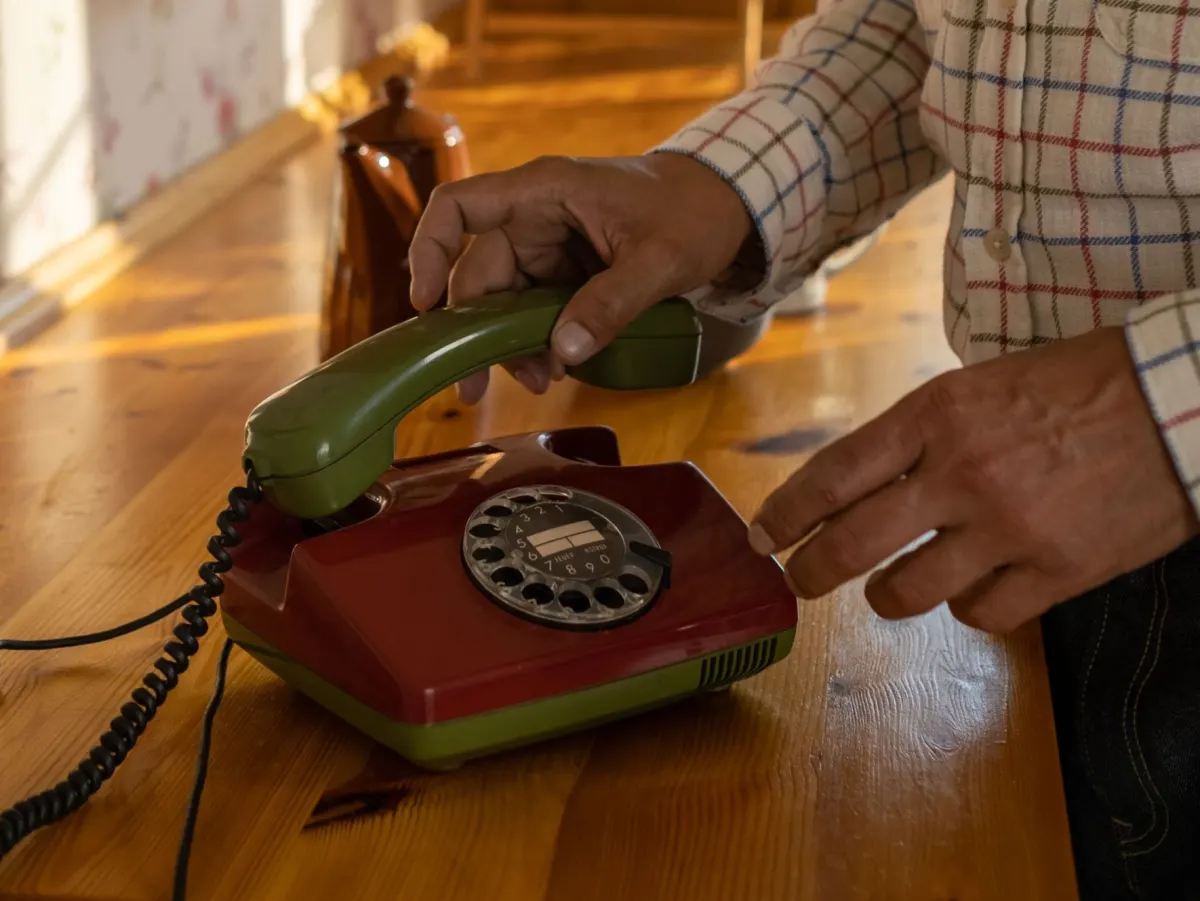
- Stay on the landline while they use the mobile. If they still have a home phone, they can hold it in one hand while you talk them through each screen on the mobile in the other. When they are ready to record, tell them you will go quiet, or ask them to put the handset down so your voice is not in the clip.
- No second phone? Agree on a time: "Do it now, and I'll ring you back in ten minutes to see how it went."
Who can help at their end?
Sometimes the best helper is not you. Think about who already sees them: the grandchild who lives ten minutes away, the neighbour who brings the bins in, a friend from bowls or church, a carer.
Send the helper three things: the link, the deadline and the question. Then add a few words about the job:
- It is their message. Help with the taps, then step out of the picture and let them say it their way.
- Do not feed them lines. A short, slow message in their own words is worth more than a polished one in yours.
- One phone, one person, again. The helper should use the grandparent's phone, or one that has not recorded for this film yet.
If your grandparent lives in aged care, ask the staff whether someone could sit with them for ten minutes at a set time, or take the phone in on your next visit. Pick the time of day when they are at their brightest. You will know when that is.
What should you send them?
Send one text, short enough to read without scrolling. Use their name for the person ("Mum", not "Karen"), one question, a date and an offer of help. You can copy this:
Hi Nan, it's Jess. We're making a short video for Mum's 60th, with a message from everyone. Could you say a few words for her? Just tell her about the day she was born. A minute is plenty, and you can try again if you don't like it. Here's the link: [link]. I'll ring you Saturday morning to help, if you'd like.
Questions grandparents tend to answer well, because the answer is a story only they can tell:
- What was she like as a little girl?
- What do you remember about the day he was born?
- What did she do that made you proud?
- What do you hope for him now?
If they use email, you can invite them by email from Warmcut instead. It then sends gentle reminders on days 2, 4, 6, 8, 12 and 16 until they record, and each email has an "I don't need any further reminders" button. People who get the link by text or WhatsApp get no automatic reminders, so that Saturday phone call is yours to make.
If the film is a surprise, say so clearly, and say who not to mention it to. There is more on that in how to collect video messages for a surprise.
What goes on a printed card?
A card by the phone takes the pressure off. Nobody has to remember the steps, and nobody has to ask twice. Print it in big type, one step per line, and post it or leave it on the kitchen table when you visit.
Here are the steps for a Warmcut link, as the screens read in October 2026. If your link works differently, change the words to match what you see.
Your message for Mum's 60th
- Open the text from Jess and tap the link.
- If it asks for your name, type it and tap Continue.
- Tap I'm ready, then Record. If the phone asks to use the camera and microphone, tap Allow.
- After the 3, 2, 1 countdown, talk to Mum for about a minute. Tap Stop.
- Watch it. Happy? Tap Keep this one. Want another go? Tap Retake.
- Photos are optional: tap Skip, no photos.
- Tick the first box and tap Send my message.
Underneath, add: "Please record by [day and date]. Stuck? Ring Jess on [your number]." The phone number matters more than any of the steps.
How do you make it feel easy?
- Ask them first, a few days before everyone else. They get the longest run-up, and they know they matter.
- Call it a message, not a video. "Would you say a few words for Mum?" sounds smaller than "Can you record a video?"
- Say who will see it. Every Warmcut link is private, and the people who record never see each other's clips. Knowing who will watch helps.
- Shaky, short and slow are all fine. Tell them so before they start. Their voice is the gift.
- Thank them, then show them. At your next visit, play the finished film on the biggest screen in the house. They will want to see who else was in it.
If they would like to get more confident with their phone in general, Be Connected, a free program from the eSafety Commissioner, has short lessons for older Australians and a network of community organisations offering local help. That is a project for after the film, not before it. For everything else about the film itself, the step-by-step group video guide covers it from the first link to the finished film.
Questions
How do I get my grandparents to send a video message?
Ask them yourself, by phone, before you ask anyone else. Give them one question, a date and the promise that a minute is plenty. Then offer real help: record together at a visit, stay on the line while they tap the link, or ask someone who sees them often to sit with them.
Can I record my grandparent's message on my own phone?
Yes. Open the link on your phone and let them talk while you hold it or prop it up. If you have already recorded your own message on that phone, use theirs or another phone in the house, so the two messages do not get mixed up.
What if my grandparents do not have a smartphone?
Record them on your phone at your next visit, or ask someone who sees them often, such as a cousin, a neighbour or a carer, to do it on theirs. A phone call beforehand helps them think about what to say.
Should grandparents record together or separately?
Together is often easier. They can sit side by side, take turns and help each other along, and it is lovely to watch. If one of them has a lot to say, or they live apart, give each their own message.
Can grandparents in aged care take part in a group video?
Yes. Take the phone in on a visit, or ask the staff whether someone could sit with them for ten minutes at a set time. Choose the time of day when they are at their brightest, and keep it to one question.
Sources
Read next
Organising the gift
How to record a video message that sounds like you
About a minute, one phone, no gear. A simple shape for what to say, how to get the light and sound right, and what to do when the nerves kick in.
Organising the gift
Why some people never send their video message
It is almost never about the person you are celebrating. It is the camera, the timing or the words. Here is what helps.
Christmas
Christmas gifts for grandparents, from the grandkids
Twenty ideas, from a handprint bauble to a day at the cricket, with what each grandchild can manage and honest notes on who each one suits.